The Engineering FinOps Checklist: Eliminating Cloud Waste in Growing SaaS Systems
A practical 10-point FinOps checklist for software teams to identify overprovisioned compute, unattached storage, network egress traps, and idle development environments.
The Serviceverse Engineering Team
SaaS Infrastructure & FinOps
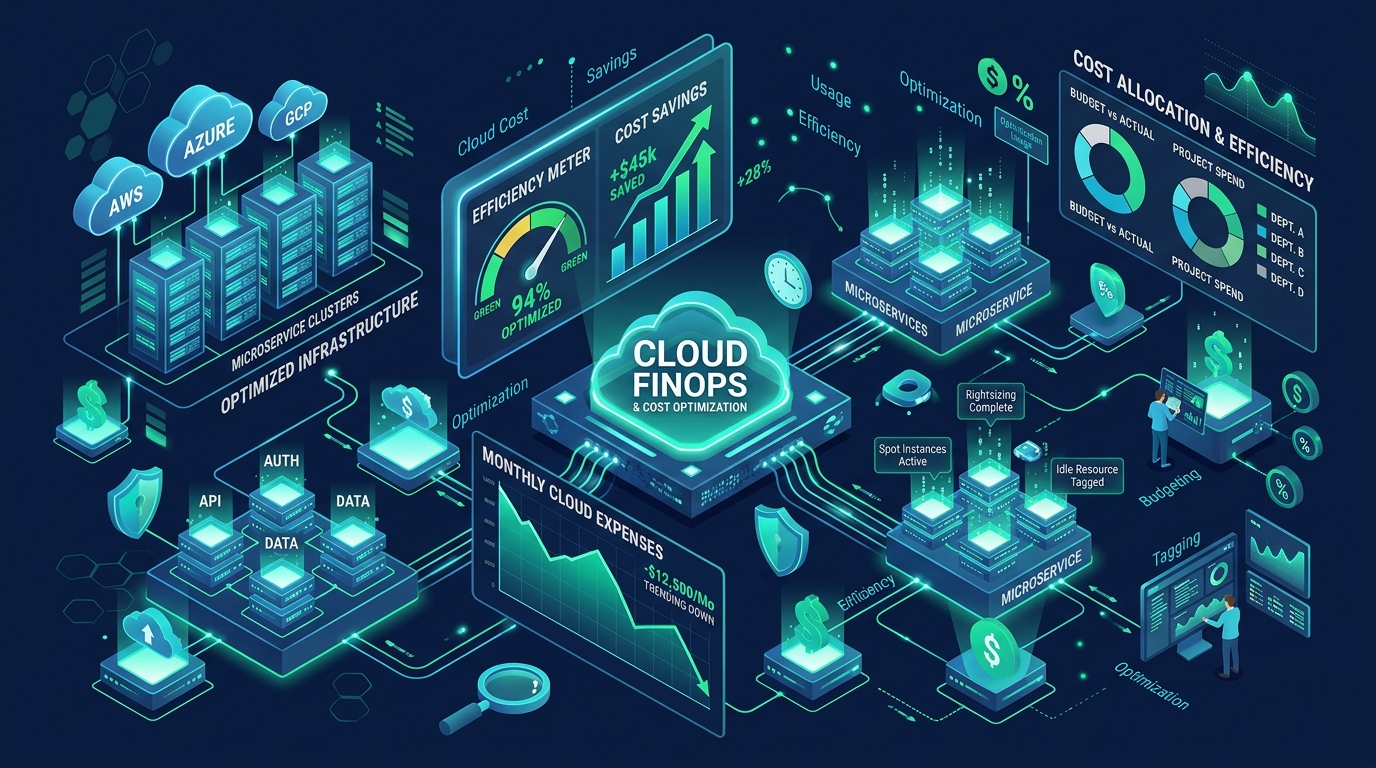
In the early stages of building a software product, speed to market takes precedence over cost optimization. Engineering teams provision oversized database instances, leave staging clusters running 24/7, and deploy elastic compute fleets with generous buffer margins to avoid performance bottlenecks.
However, as a SaaS product reaches product-market fit and traffic scales, cloud infrastructure bills tend to compound non-linearly. Without deliberate cost governance, it is common for a software company’s monthly cloud bill to double while customer revenue grows by only 20%.
FinOps (Financial Operations) is not an accounting exercise; it is an engineering discipline that ties architectural decisions directly to business unit economics. This checklist provides software and DevOps teams with a practical, high-impact framework for eliminating cloud waste without compromising system performance or reliability.
---
1. Unit Economics: Moving Beyond the Top-Line Monthly Bill
Most engineering leaders monitor their cloud spend by looking at total monthly dollar figures in AWS Cost Explorer or Azure Cost Management. While helpful, gross spend provides zero insight into operational efficiency:
- If your cloud bill rises from $8,000 to $12,000, is that bad?
- If your active customer count doubled over the same period, your infrastructure cost per customer actually dropped by 25%, which represents an operational victory.
Effective FinOps begins by defining clean unit metrics:
$$\text{Unit Cost Metric} = \frac{\text{Total Cloud Infrastructure Cost}}{\text{Core Value Driver (e.g., Active Users, Processed Orders, API Requests)}}$$
Tracking your cost-per-tenant or cost-per-million-requests ensures that scaling revenue translates directly into healthy gross margins.
---
2. The 10-Point Engineering FinOps Checklist
Run through these ten technical checkpoints across your infrastructure:
[ ] 1. Prune Orphaned EBS Volumes and Detached Disks
[ ] 2. Right-Size Overprovisioned Kubernetes / Container CPU & Memory Requests
[ ] 3. Implement Automated Schedule Shutdowns for Non-Production Environments
[ ] 4. Enforce S3 / Cloud Storage Lifecycle Transitions to Infrequent Access (IA)
[ ] 5. Purge Stale Snapshots, Automated Backups, and Untagged Container Images
[ ] 6. Review Cross-Availability-Zone (AZ) Network Traffic and Egress Traps
[ ] 7. Identify and Optimize Unindexed High-IOPS Database Queries
[ ] 8. Transition Steady-State Compute to Savings Plans or Reserved Instances (1-Yr)
[ ] 9. Leverage Spot / Preemptible Instances for Asynchronous Background Queues
[ ] 10. Audit Logging and Observability Retention Caps (CloudWatch, Datadog)
---
3. Deep-Dive: Executing the Highest-Impact Optimizations
Checklist Item #1 & #5: Orphaned Storage Volumes & Stale Backups
When an EC2 instance or virtual machine is terminated, attached block storage volumes (AWS EBS, Azure Managed Disks) are frequently preserved by default. These detached disks continue accruing storage fees indefinitely at $0.08–$0.12 per GB-month.
- Run automated CLI scripts to identify volumes in an
available(unattached) status for more than 7 days. - Establish an automated snapshot lifecycle: delete daily database and disk snapshots older than 30 days unless required by regulatory compliance.
Checklist Item #2: Right-Sizing Container CPU & Memory Requests
In Kubernetes and container orchestrators (ECS, AKS, GKE), developers often set high resource requests to be safe (e.g., requesting 2 vCPU and 4GB RAM for a service that consumes an average of 150m CPU and 400MB RAM).
- Because orchestrators bin-pack nodes based on requests rather than actual usage, worker nodes appear 90% utilized while running at 15% physical capacity.
- Inspect metrics over a 14-day rolling window. Re-align resource requests to the 95th percentile of actual historical usage with a 25% safety overhead.
# Kubernetes Pod Resource Right-Sizing Example
apiVersion: apps/v1
kind: Deployment
metadata:
  name: order-processing-service
spec:
  template:
    spec:
      containers:
      - name: app
        image: serviceverse/order-service:v2.4
        resources:
          requests:
            # Overprovisioned legacy: cpu: "2000m", memory: "4Gi"
            # Right-sized based on p95 metrics:
            cpu: "300m"
            memory: "768Mi"
          limits:
            cpu: "1000m"
            memory: "1536Mi"
Checklist Item #3: Automating Ephemeral Environment Shutdowns
Development, staging, and preview environments are typically only used during working hours (40 hours per week). Leaving them running 24/7 (168 hours per week) wastes over 70% of non-production compute spend.
- Deploy automated Lambda or Cloud Run cron jobs that shut down non-production database instances and scale container replicas to zero at 7:00 PM local time, restarting them at 7:00 AM on weekdays.
// AWS Lambda Snippet: Scheduled Stop for Development RDS Instances
import { RDSClient, StopDBInstanceCommand, DescribeDBInstancesCommand } from "@aws-sdk/client-rds";

const rds = new RDSClient({ region: "us-east-1" });

export const handler = async () => {
  const instances = await rds.send(new DescribeDBInstancesCommand({}));

  for (const db of instances.DBInstances || []) {
    // Only target databases tagged environment: development
    const isDev = db.TagList?.some(t => t.Key === "Environment" && t.Value === "development");
    if (isDev && db.DBInstanceStatus === "available") {
      console.log(`Stopping idle dev database: ${db.DBInstanceIdentifier}`);
      await rds.send(new StopDBInstanceCommand({ DBInstanceIdentifier: db.DBInstanceIdentifier }));
    }
  }
};
Checklist Item #6: The Cross-AZ Networking Trap
Placing microservices and their databases across multiple Availability Zones protects against data center failure. However, every gigabyte transferred across AZ boundaries costs $0.01 in and $0.01 out.
- Ensure chatty microservices (services that exchange high-volume RPC or message calls) communicate within the same availability zone or private VPC peering link.
- Keep read-heavy caches (Redis / Memcached) colocated in the same subnet as the primary web application containers.
Checklist Item #10: Logging & Observability Ingestion Caps
Observability platforms (Datadog, AWS CloudWatch, New Relic) charge aggressive ingestion fees per gigabyte of logs.
- Prevent
DEBUGlevel logging in production environments. - Drop health-check endpoint logs (
GET /healthz,GET /ready) at the load balancer or reverse proxy before forwarding them to centralized log aggregators. - Set strict CloudWatch log group retention policies (e.g., expire application logs after 14 or 30 days rather than the default
Never Expire).
---
4. The Commitment Curve: Reserved Instances & Savings Plans
Once baseline infrastructure is right-sized, leverage commitment discounts:
- Do not purchase reservations before right-sizing: Buying a 3-year Reserved Instance for an overprovisioned 16-core database locks in cloud waste.
- Compute Savings Plans over EC2 Reserved Instances: Compute Savings Plans provide up to 66% discounts while allowing flexibility across instance families, regions, and compute types (Fargate, Lambda, EC2).
- Target 70–80% Coverage: Keep 20–30% of your fleet on on-demand pricing to absorb traffic spikes and seasonal troughs without paying for unused commitment headroom.
---
5. Establishing a Healthy FinOps Culture
FinOps succeeds only when cost visibility is placed directly in the hands of the engineers who write the code:
- Tag Everything by Default: Enforce mandatory resource tags in CI/CD pipelines (
Environment,Team,Service,CostCenter). Untagged resources should trigger automated pipeline failures. - Weekly Cost Anomaly Alerts: Configure anomaly detection alerts in Slack or Teams that notify engineering leads whenever a specific service’s daily spend spikes by more than 20%.
- Architecture Reviews Include Cost Modeling: Every technical design document (RFC) should include an estimated monthly operating expense section alongside performance benchmarks.
---
6. How The Serviceverse Helps Scale SaaS Efficiently
At The Serviceverse, we engineer multi-tenant software platforms designed for high operational margin:
- SaaS Architecture & Engineering: We build multi-tenant applications with tenancy isolation, resource pooling, and efficient data access models (SaaS Product Engineering).
- Backend & Database Performance: We optimize unindexed queries, connection pooling, and caching layers to minimize database resource requirements (API & Backend Development).
- Infrastructure Automation: We implement automated CI/CD pipelines, container orchestration, and Infrastructure as Code designed to prevent cloud waste (Custom Software Development).
Looking to optimize your cloud architecture and improve software unit economics? Contact our engineering specialists at info@theserviceverse.com or reach out on WhatsApp at +91 7091021058.
Planning a Software, AI, or Data Initiative?
The Serviceverse helps engineering and product teams design scalable software architectures, train production computer vision models, and automate mission-critical operations.
Related Capabilities