CRM vs ERP: What Does Your Business Need?
Understand the core distinctions between CRM and ERP platforms, how data flows between front and back-office operations, and how to decide what to implement first.
Editorial Team
Enterprise Systems Specialist
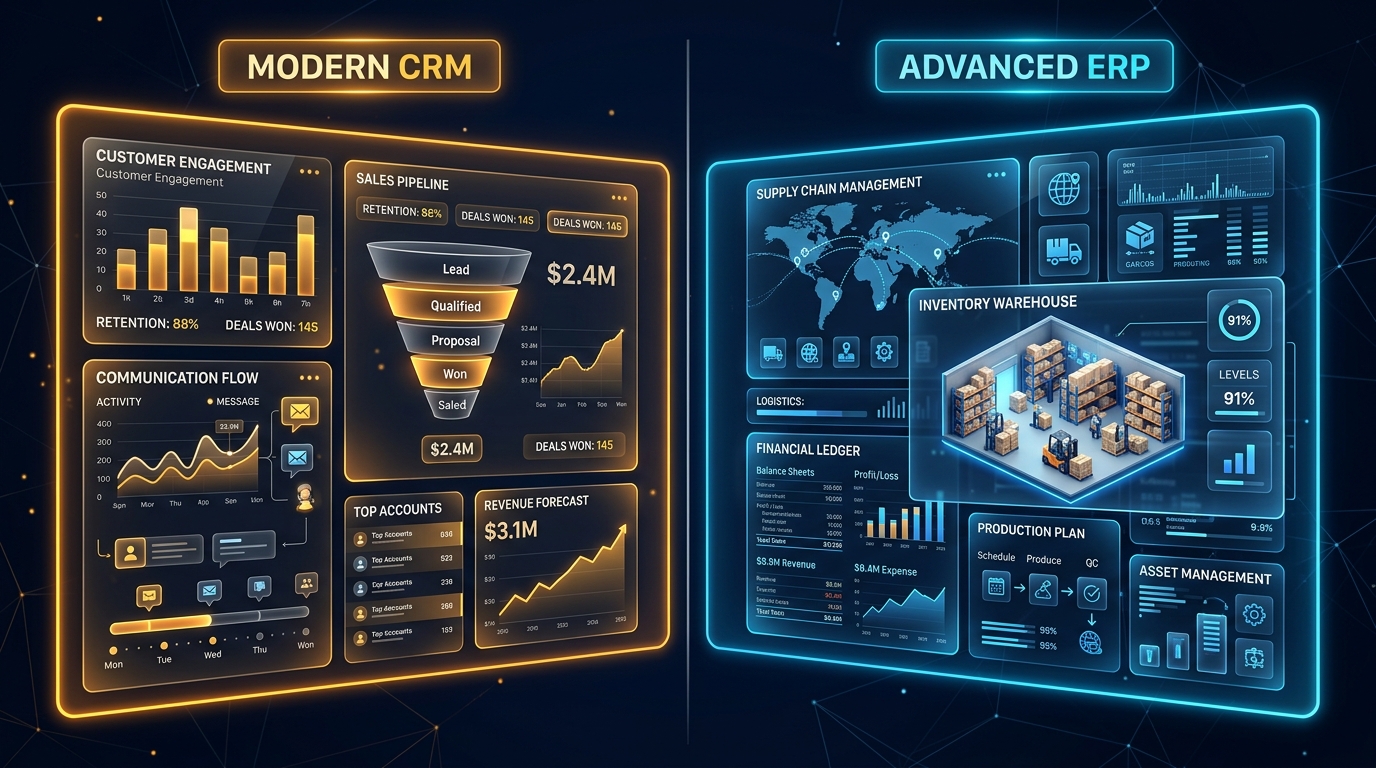
Growing businesses frequently encounter operational friction: sales reps record customer details on disconnected spreadsheets, finance manually reconciles invoices across multiple tools, and operations teams scramble to verify inventory availability.
At this inflection point, leadership often asks: Do we need a CRM, an ERP, or both?
While both systems serve as single sources of truth for business data, they address fundamentally different halves of an organization's operations.
The Fundamental Distinction: Front Office vs. Back Office
The simplest way to understand the difference is through customer visibility:
- CRM (Customer Relationship Management) manages front-office activities—everything touching prospective and existing customers. Its primary goal is growing revenue, improving customer acquisition, and streamlining client retention.
- ERP (Enterprise Resource Planning) manages back-office activities—everything necessary to run internal operations and fulfill promises made to customers. Its primary goal is operational efficiency, cost reduction, inventory accuracy, and financial compliance.
+-------------------------------------------------------------+
|                     CUSTOMER TOUCHPOINTS                    |
+-------------------------------------------------------------+
                              |
                     [ FRONT OFFICE: CRM ]
           - Lead Capture & Deal Pipeline Tracking
           - Customer Communication History
           - Support Ticketing & SLA Monitoring
           - Omnichannel Chat & WhatsApp Log
                              | (Closed Won Deal)
                              v
                     [ BACK OFFICE: ERP ]
           - Inventory & Warehouse Allocation
           - Procurement & Supply Chain Orders
           - Financial Ledgers, Tax & Invoicing
           - HR & Workforce Capacity Planning
Key Capabilities Comparison
| Feature Dimension | CRM System | ERP System |
|---|---|---|
| Primary User Base | Sales reps, marketers, customer success agents | Operations leads, accountants, procurement teams, warehouse staff |
| Core Entity | Lead, Contact, Account, Deal, Ticket | Purchase Order, General Ledger, Bill of Materials, SKU |
| Primary KPI | Conversion rate, CAC, LTV, churn rate | COGS, inventory turnover, gross margin, cycle time |
| Implementation Scope | Weeks to a few months | Months to quarters depending on complexity |
| Typical Triggers | Deals slipping through cracks, unorganized outreach | Stockouts, manual spreadsheet billing errors, audit failures |
When to Implement a CRM First
You should prioritize CRM implementation if:
- Sales visibility is opaque: You cannot forecast revenue next quarter because deals live in individual salespeople's inboxes.
- Follow-ups are missed: Leads generated from your website, ads, or WhatsApp campaigns are not systematically qualified or assigned.
- Customer support lacks context: Support agents cannot view past order history or previous conversations when assisting an account.
Explore our tailored approach on the CRM Development service page.
When to Implement an ERP First
You should prioritize an ERP system if:
- Financial reporting takes weeks: Closing month-end books requires manual CSV exports from three payment gateways and bank statements.
- Inventory is inaccurate: You frequently sell items that are out of stock, or over-order raw materials because stock levels are unknown.
- Multi-location coordination fails: Warehouses, regional offices, and suppliers have no unified view of purchase orders and shipments.
Learn how we architect operational platforms on our ERP Development service page.
The Power of a Unified Data Pipeline
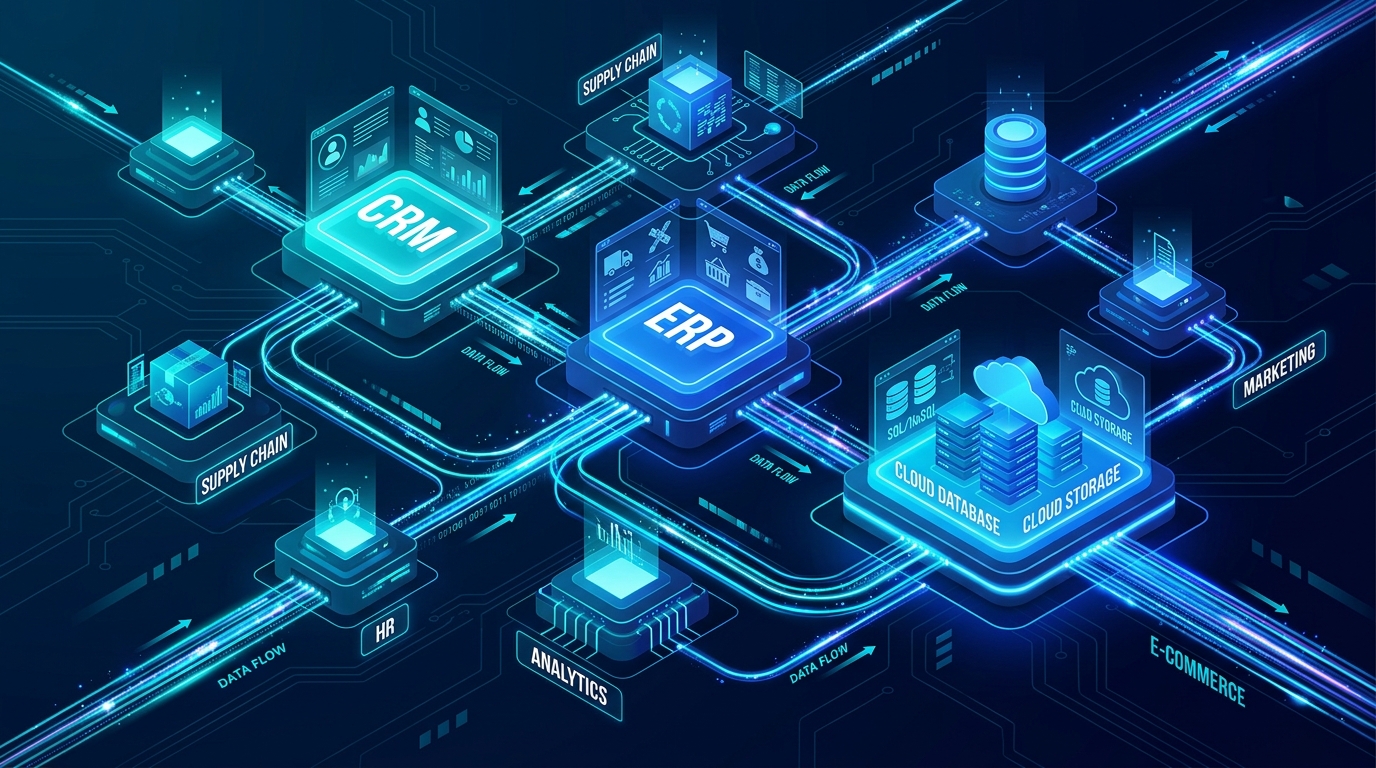
For mature businesses, the greatest efficiency is achieved when CRM and ERP systems communicate in real time via event-driven APIs:
Whether your organization requires a tailored CRM module, an operations-first ERP, or custom integration middleware, our engineering team can assist. Contact us via info@theserviceverse.com or WhatsApp.
Planning a Software, AI, or Data Initiative?
The Serviceverse helps engineering and product teams design scalable software architectures, train production computer vision models, and automate mission-critical operations.
Related Capabilities
Related Articles
Architecting Connected Business Systems: Unifying Custom Software, CRM, and Workflow Automation
How to avoid point-to-point integration chaos as your business scales: event-driven architecture, idempotent webhook pipelines, and clean data ownership across custom software, CRM, and ERP.
Enterprise Systems Architecture